
Web & E-Commerce
AI-Powered Web & E-Commerce Development
Build professional websites and online stores using WordPress, WooCommerce, Shopify and modern AI-powered tools.
- Duration
- 12 weeks / 60 teaching days (3-month intensive)
- Level
- Beginner to Job-Ready
- Learning mode
- Physical
- Course fee
- PKR 21,000
- Monthly fee
- PKR 7,000 per month
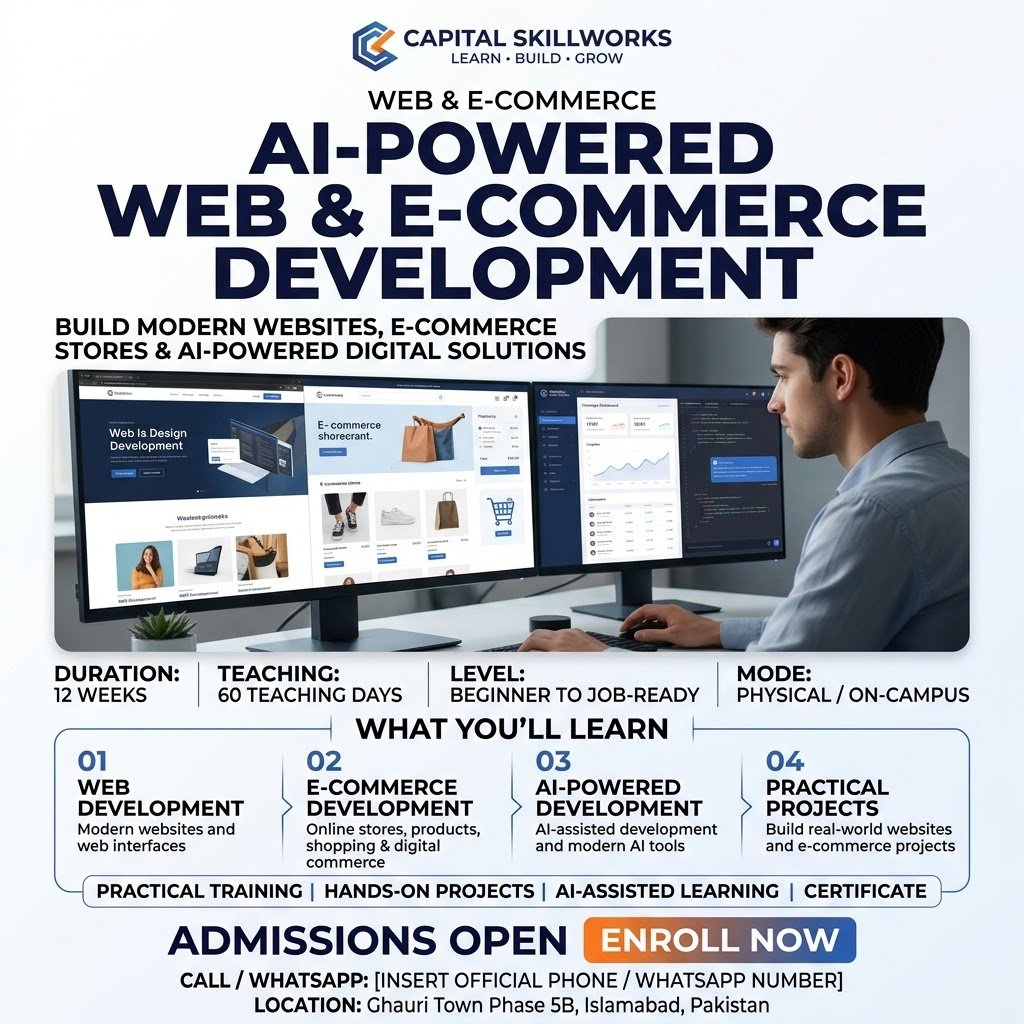
Course overview
Capstone: A complete client-style website or e-commerce store with responsive QA, analytics plan, SEO, security checklist, handover documentation and portfolio case study.
Completion standard: Minimum 80% attendance and submission of at least 80% of daily practical evidence. Pass the final capstone using the instructor QA rubric; incomplete templates alone do not count as a capstone. Demonstrate the final work live and answer practical troubleshooting questions. Submit an organized portfolio/case study that explains the problem, process, final output and lessons learned.
What you will learn
- Plan, build and quality-check professional responsive business websites.
- Create and operate WordPress/WooCommerce and Shopify stores in safe training environments.
- Apply practical SEO, performance, security, analytics and conversion principles.
- Use basic HTML/CSS and theme-code literacy to understand and fix AI/builder output.
- Deliver a client project with scope, staging, handover, maintenance plan and portfolio case study.
Who should join
- Beginners
- Aspiring web designers
- E-commerce builders
- Freelancers
Tools and technologies
- WordPress
- WooCommerce
- Shopify
- Browser DevTools
- Hosting panel
- Search Console
- GA4
- AI assistant
- Basic no-code automation
Complete curriculum
1. Week 1 — Modern Web Foundations
Five practical lessons, ending with the Week 1 integrated challenge: Essential HTML/CSS with browser DevTools for no-code builders.
1. Orientation, portfolio target and the modern website ecosystem
2. Domains, DNS, hosting and SSL
3. Hosting panels, backups and staging
4. Responsive UX, sitemap and conversion basics
5. Essential HTML/CSS with browser DevTools for no-code builders
2. Week 2 — WordPress Setup and Content
Five practical lessons, ending with the Week 2 integrated challenge: Plugins, updates and safe change management.
1. Install WordPress and apply baseline security
2. Dashboard, users, media and publishing workflow
3. Build pages with the Block Editor, patterns and reusable content
4. Themes, Site Editor and global styles
5. Plugins, updates and safe change management
3. Week 3 — Professional WordPress Site
Five practical lessons, ending with the Week 3 integrated challenge: Add forms, maps, WhatsApp contact and spam control.
1. Turn a client brief into information architecture
2. Build navigation, header, footer and trust elements
3. Create a high-converting homepage
4. Create service, about and portfolio pages
5. Add forms, maps, WhatsApp contact and spam control
4. Week 4 — Design Quality and Responsive Delivery
Five practical lessons, ending with the Week 4 integrated challenge: Clone-and-improve landing page sprint.
1. Mobile responsive quality assurance
2. Create a practical website design system
3. Use practical custom CSS fixes
4. Accessibility and usability checks
5. Clone-and-improve landing page sprint
5. Week 5 — WooCommerce Store Foundations
Five practical lessons, ending with the Week 5 integrated challenge: Configure payments in sandbox/test mode.
1. Install and configure WooCommerce
2. Create simple products and product content
3. Build variable products, attributes and inventory
4. Configure shipping, tax and checkout concepts
5. Configure payments in sandbox/test mode
6. Week 6 — WooCommerce Operations
Five practical lessons, ending with the Week 6 integrated challenge: WooCommerce mini-capstone store.
1. Coupons, promotions and merchandising
2. Orders, refunds and transactional emails
3. Product-page conversion optimization
4. Store reporting and key performance indicators
5. WooCommerce mini-capstone store
7. Week 7 — Shopify Store Foundations
Five practical lessons, ending with the Week 7 integrated challenge: Variants, inventory and metafields.
1. Shopify admin and development environment
2. Store settings, navigation, pages and policies
3. Themes, sections and blocks
4. Products, collections and merchandising
5. Variants, inventory and metafields
8. Week 8 — Shopify Conversion and Customization
Five practical lessons, ending with the Week 8 integrated challenge: Shopify mini-capstone store.
1. Shipping, delivery and tax concepts
2. Payments and test orders
3. Choose apps with permissions and performance in mind
4. Basic Liquid and theme-code literacy
5. Shopify mini-capstone store
9. Week 9 — SEO, Performance and Security
Five practical lessons, ending with the Week 9 integrated challenge: Security, backups and recovery.
1. Keyword intent and page mapping
2. On-page SEO implementation
3. Technical SEO, sitemap and Search Console workflow
4. Speed, image optimization and caching
5. Security, backups and recovery
10. Week 10 — Analytics, AI and Automation
Five practical lessons, ending with the Week 10 integrated challenge: No-code lead automation.
1. GA4 measurement planning
2. Conversions, UTM tagging and attribution basics
3. AI-assisted site planning and content
4. AI-assisted troubleshooting and CSS explanation
5. No-code lead automation
11. Week 11 — Client Delivery
Five practical lessons, ending with the Week 11 integrated challenge: Client simulation sprint.
1. Client discovery, requirements and scope
2. Proposal, timeline and pricing
3. Staging QA and handover
4. Maintenance plans and recurring service
5. Client simulation sprint
12. Week 12 — Final Capstone
Five practical lessons, ending with the Week 12 integrated challenge: Final demo, portfolio case study and skills review.
1. Capstone brief, plan and success criteria
2. Build site structure and core pages
3. Add commerce or lead-generation integrations
4. Optimization, QA, security and launch readiness
5. Final demo, portfolio case study and skills review
Upcoming batches
No batch is published for this course yet
Contact Admissions to discuss the next available batch or your preferred schedule.
Practical learning and projects
- Essential HTML/CSS with browser DevTools for no-code builders
- Plugins, updates and safe change management
- Add forms, maps, WhatsApp contact and spam control
- Clone-and-improve landing page sprint
- Configure payments in sandbox/test mode
- WooCommerce mini-capstone store
- Variants, inventory and metafields
- Shopify mini-capstone store
- Security, backups and recovery
- No-code lead automation
- Client simulation sprint
- Final demo, portfolio case study and skills review
Prerequisites
- No specific admission requirement currently.
Who teaches this
Your instructor
Instructor information for this course will be announced. Admissions can tell you who is scheduled to teach an upcoming batch.
Take the next step