
Computer & Office Skills
Computer, Office & AI Digital Skills
Build essential computer, office productivity, cloud, internet, cybersecurity and AI skills for modern education and workplace environments.
- Duration
- 12 weeks / 60 teaching days (can be shortened to 8-10 weeks for fast learners)
- Level
- Absolute Beginner to Office-Ready
- Learning mode
- Physical
- Course fee
- PKR 24,000
- Monthly fee
- PKR 8,000 per month
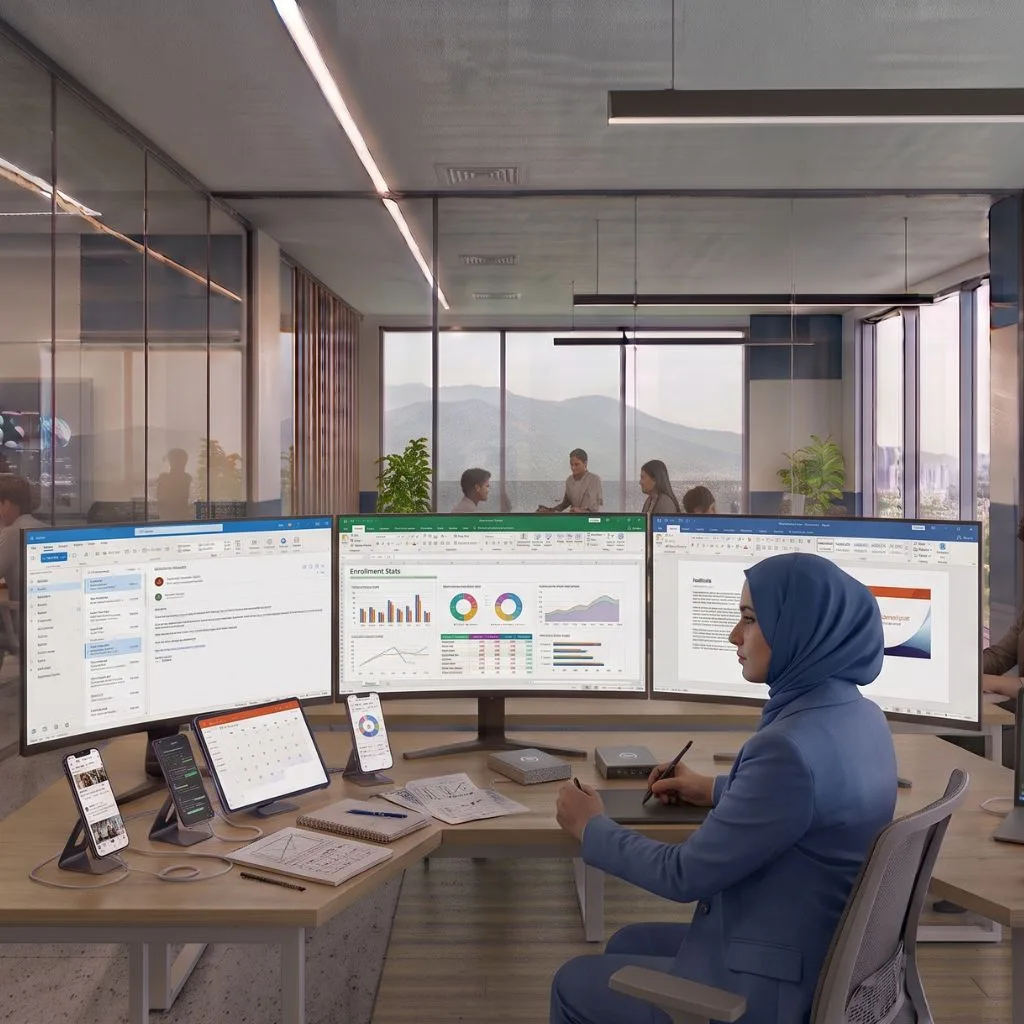
Course overview
Capstone: An integrated office-work simulation containing a formatted report, analyzed Excel workbook/dashboard, presentation, professional email handoff, file structure and timed practical test.
Completion standard: Minimum 80% attendance and submission of at least 80% of daily practical evidence. Pass the final capstone using the instructor QA rubric; incomplete templates alone do not count as a capstone. Demonstrate the final work live and answer practical troubleshooting questions. Submit an organized portfolio/case study that explains the problem, process, final output and lessons learned.
What you will learn
- Operate a computer, manage files/cloud storage and troubleshoot common beginner issues.
- Create professional Word documents, Excel workbooks and PowerPoint presentations.
- Analyze everyday data with formulas, tables, PivotTables, charts and a simple dashboard.
- Collaborate safely through email, cloud files and online meetings.
- Recognize common cyber risks and use AI responsibly for office productivity.
Who should join
- Absolute beginners
- Students
- Job seekers
- Office/data-entry workers
- Small-business staff
Tools and technologies
- Windows
- Microsoft 365 apps
- Browser
- OneDrive
- Google Workspace equivalents
- Meeting tools
- Approved AI assistant
Complete curriculum
1. Week 1 — Computer and Windows Foundations
Five practical lessons, ending with the Week 1 integrated challenge: Basic troubleshooting.
1. Computer parts, startup and shutdown
2. Desktop, settings and user accounts
3. Keyboard shortcuts and typing productivity
4. Applications, installation and updates
5. Basic troubleshooting
2. Week 2 — Files, Cloud, Web and Email
Five practical lessons, ending with the Week 2 integrated challenge: Professional email workflow.
1. Files, folders and naming conventions
2. Copy, move, ZIP, backup and recycle-bin recovery
3. OneDrive/cloud sharing
4. Web search and source verification
5. Professional email workflow
3. Week 3 — Microsoft Word Foundations
Five practical lessons, ending with the Week 3 integrated challenge: Word mini-project.
1. Word interface, editing and file formats
2. Paragraphs and lists
3. Styles and document consistency
4. Tables, images and page layout
5. Word mini-project
4. Week 4 — Microsoft Word Advanced
Five practical lessons, ending with the Week 4 integrated challenge: Create a 5-7 page office report.
1. Headers, sections and page numbers
2. Table of contents and captions
3. Mail merge
4. Track Changes and comments
5. Create a 5-7 page office report
5. Week 5 — Excel Foundations
Five practical lessons, ending with the Week 5 integrated challenge: Build an expense or sales tracker.
1. Cells, data types and workbook structure
2. Basic formulas and references
3. SUM, AVERAGE, MIN, MAX and COUNT
4. Sort, filter and tables
5. Build an expense or sales tracker
6. Week 6 — Excel Formulas and Data Cleaning
Five practical lessons, ending with the Week 6 integrated challenge: Data validation and conditional formatting.
1. IF and logical decisions
2. Text-cleaning functions
3. Dates and time calculations
4. Lookup concepts
5. Data validation and conditional formatting
7. Week 7 — Excel Analysis and Dashboards
Five practical lessons, ending with the Week 7 integrated challenge: Business-analysis project.
1. PivotTable analysis
2. Charts
3. Conditional-formatting analysis
4. Build a compact dashboard
5. Business-analysis project
8. Week 8 — PowerPoint
Five practical lessons, ending with the Week 8 integrated challenge: Build an 8-10 slide business presentation.
1. Presentation structure and visual hierarchy
2. Images, icons and alignment
3. Charts, tables and data storytelling
4. Transitions and presenter tools
5. Build an 8-10 slide business presentation
9. Week 9 — Google Workspace and Collaboration
Five practical lessons, ending with the Week 9 integrated challenge: Cloud-collaboration mini-project.
1. Google Docs and Drive collaboration
2. Google Sheets collaboration
3. Google Slides collaboration
4. Online meetings and team collaboration
5. Cloud-collaboration mini-project
10. Week 10 — Cybersecurity and Digital Safety
Five practical lessons, ending with the Week 10 integrated challenge: Backup and incident-response basics.
1. Passwords, passkeys and MFA
2. Phishing and scam detection
3. Safe downloads, updates and permissions
4. Privacy and public Wi-Fi
5. Backup and incident-response basics
11. Week 11 — AI for Office Productivity
Five practical lessons, ending with the Week 11 integrated challenge: Integrated office AI task.
1. Responsible AI use at work
2. AI-assisted Word writing and summarization
3. AI-assisted Excel formulas and analysis
4. AI-assisted presentation planning
5. Integrated office AI task
12. Week 12 — Final Office Capstone
Five practical lessons, ending with the Week 12 integrated challenge: Timed practical, portfolio and skills review.
1. Capstone workspace and brief
2. Create the Word deliverable
3. Create the Excel deliverable
4. Create PowerPoint and professional email handoff
5. Timed practical, portfolio and skills review
Upcoming batches
No batch is published for this course yet
Contact Admissions to discuss the next available batch or your preferred schedule.
Practical learning and projects
- Basic troubleshooting
- Professional email workflow
- Word mini-project
- Create a 5-7 page office report
- Build an expense or sales tracker
- Data validation and conditional formatting
- Business-analysis project
- Build an 8-10 slide business presentation
- Cloud-collaboration mini-project
- Backup and incident-response basics
- Integrated office AI task
- Timed practical, portfolio and skills review
Prerequisites
- No specific admission requirement currently.
Who teaches this
Your instructor
Instructor information for this course will be announced. Admissions can tell you who is scheduled to teach an upcoming batch.
Take the next step