
Mobile Development
Flutter Mobile App Development with Dart & AI
Learn to build modern Android and cross-platform mobile applications using Flutter, Dart, Firebase and AI-assisted development.
- Duration
- 12 weeks / 60 teaching days intensive; recommended 16 weeks for regular beginners
- Level
- Beginner to Intermediate
- Learning mode
- Physical
- Course fee
- PKR 36,000
- Monthly fee
- PKR 9,000 per month
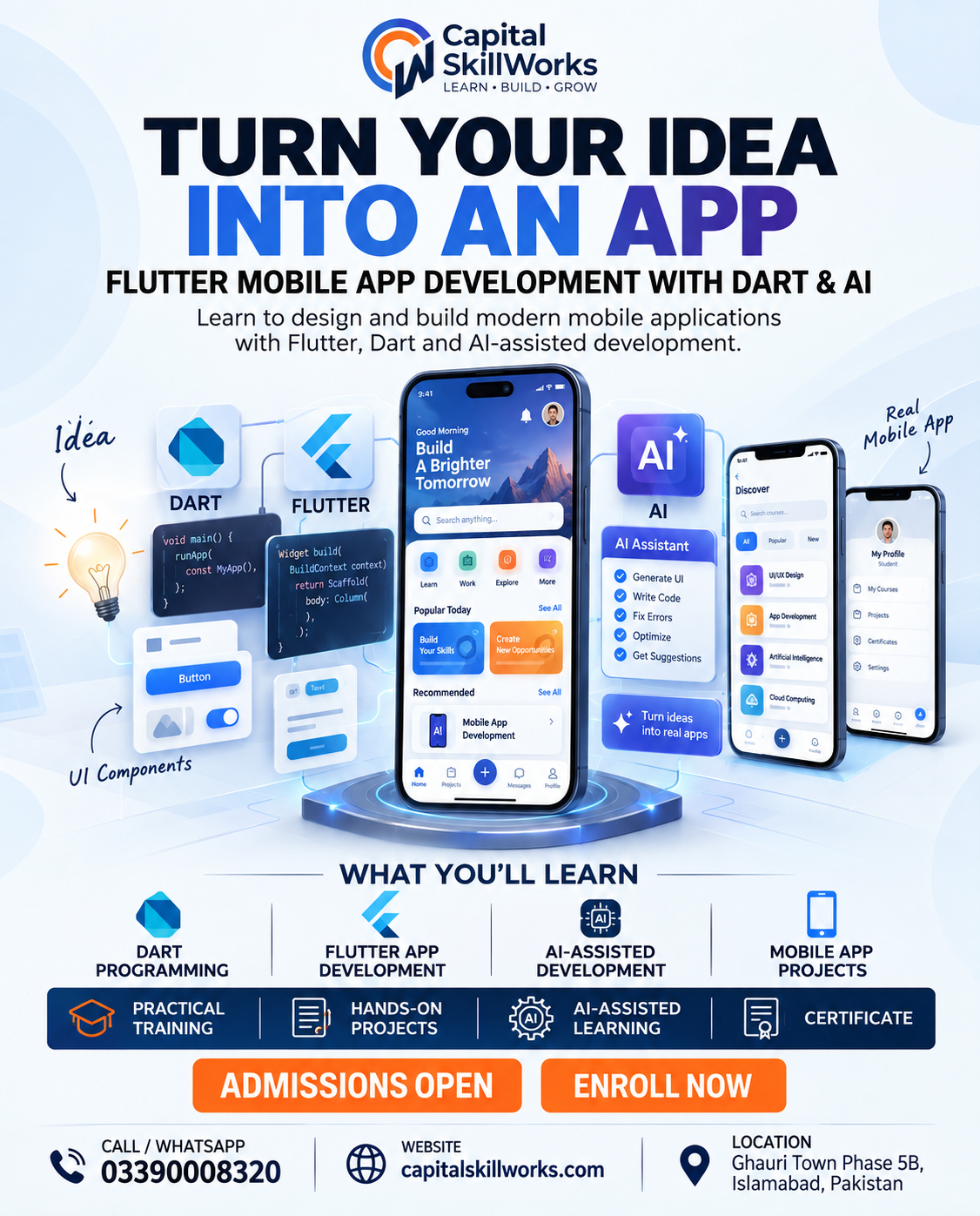
Course overview
Capstone: A polished mobile application with data/integration layer, validation, loading/error states, tests, documentation, release checklist and portfolio case study.
Completion standard: Minimum 80% attendance and submission of at least 80% of daily practical evidence. Pass the final capstone using the instructor QA rubric; incomplete templates alone do not count as a capstone. Demonstrate the final work live and answer practical troubleshooting questions. Submit an organized portfolio/case study that explains the problem, process, final output and lessons learned.
What you will learn
- Write practical Dart code and reason about common programming logic.
- Build responsive Flutter interfaces with navigation, forms, state and reusable components.
- Consume REST APIs and use Firebase for authentication, data and storage.
- Debug, test, profile and prepare an app for release.
- Use Git/GitHub and AI coding assistance while reviewing generated code critically.
Who should join
- Learners who want to build cross-platform mobile apps and need a practical programming foundation
Tools and technologies
- Dart
- Flutter SDK
- Android Studio or VS Code
- Firebase
- Git
- GitHub
- REST APIs
- Flutter DevTools
- AI coding assistant
Complete curriculum
1. Week 1 — Setup and Practical Dart Foundations
Five practical lessons, ending with the Week 1 integrated challenge: Lists, sets and maps.
1. Orientation, environment setup and first Dart/Flutter run
2. Variables, data types and null safety
3. Operators, conditions and decision logic
4. Loops, functions and reusable logic
5. Lists, sets and maps
2. Week 2 — Dart Object-Oriented and Async Skills
Five practical lessons, ending with the Week 2 integrated challenge: Dart mini-project.
1. Classes and objects
2. Constructors, encapsulation and inheritance concepts
3. Future, async and await
4. Exceptions and defensive code
5. Dart mini-project
3. Week 3 — Flutter Fundamentals
Five practical lessons, ending with the Week 3 integrated challenge: Lists and grids.
1. Flutter project structure and widget tree
2. Row, Column, Container and Stack layouts
3. Text, images, icons and assets
4. Buttons, input and interaction
5. Lists and grids
4. Week 4 — Responsive UI, Navigation and Themes
Five practical lessons, ending with the Week 4 integrated challenge: UI mini-project.
1. Responsive sizing and layout decisions
2. Routes, navigation and passing data
3. ThemeData and a reusable design system
4. Create reusable widgets
5. UI mini-project
5. Week 5 — State, Forms and Local Data
Five practical lessons, ending with the Week 5 integrated challenge: Tracker mini-project.
1. Stateful widgets and local state
2. Forms and validation
3. Practical state-management pattern
4. Local persistence
5. Tracker mini-project
6. Week 6 — REST APIs and JSON
Five practical lessons, ending with the Week 6 integrated challenge: API mini-project.
1. HTTP and REST fundamentals through a live practice API
2. JSON parsing and model mapping
3. Service and repository layer
4. Loading, error and retry states
5. API mini-project
7. Week 7 — Firebase Backend
Five practical lessons, ending with the Week 7 integrated challenge: Security rules and access testing.
1. Connect and configure Firebase
2. Authentication
3. Cloud database CRUD
4. File storage
5. Security rules and access testing
8. Week 8 — Common Mobile Features
Five practical lessons, ending with the Week 8 integrated challenge: Integrated feature project.
1. Notifications
2. Search, filter, sort and pagination
3. Camera, gallery and file access
4. Location and maps
5. Integrated feature project
9. Week 9 — Architecture, Testing and Performance
Five practical lessons, ending with the Week 9 integrated challenge: Performance profiling and optimization.
1. Practical project architecture
2. Clean code and refactoring
3. Unit and widget tests
4. Debugging with Flutter DevTools
5. Performance profiling and optimization
10. Week 10 — Git, GitHub and AI-Assisted Development
Five practical lessons, ending with the Week 10 integrated challenge: Accessibility and localization.
1. Git fundamentals
2. GitHub branches and pull-request workflow
3. Prompt AI coding tools effectively
4. AI-assisted code review and debugging
5. Accessibility and localization
11. Week 11 — Release and Client Readiness
Five practical lessons, ending with the Week 11 integrated challenge: Client simulation sprint.
1. App identity, icon and splash screen
2. Build and signing workflow
3. Store listing and privacy readiness
4. Client brief, estimation and technical scope
5. Client simulation sprint
12. Week 12 — Final App Capstone
Five practical lessons, ending with the Week 12 integrated challenge: Final demo, portfolio case study and skills review.
1. Capstone planning and architecture
2. Build UI and navigation
3. Build data layer and integrations
4. Testing, release preparation and documentation
5. Final demo, portfolio case study and skills review
Upcoming batches
No batch is published for this course yet
Contact Admissions to discuss the next available batch or your preferred schedule.
Practical learning and projects
- Lists, sets and maps
- Dart mini-project
- Lists and grids
- UI mini-project
- Tracker mini-project
- API mini-project
- Security rules and access testing
- Integrated feature project
- Performance profiling and optimization
- Accessibility and localization
- Client simulation sprint
- Final demo, portfolio case study and skills review
Prerequisites
- No specific admission requirement currently.
Who teaches this
Your instructor
Instructor information for this course will be announced. Admissions can tell you who is scheduled to teach an upcoming batch.
Take the next step