
Design & Branding
Graphic Design, Branding & AI Content Creation
Master modern visual design, branding and AI-assisted content creation for businesses, social media and digital platforms.
- Duration
- 12 weeks / 60 teaching days (3-month intensive)
- Level
- Beginner to Portfolio-Ready
- Learning mode
- Physical
- Course fee
- PKR 20,000
- Monthly fee
- PKR 10,000 per month
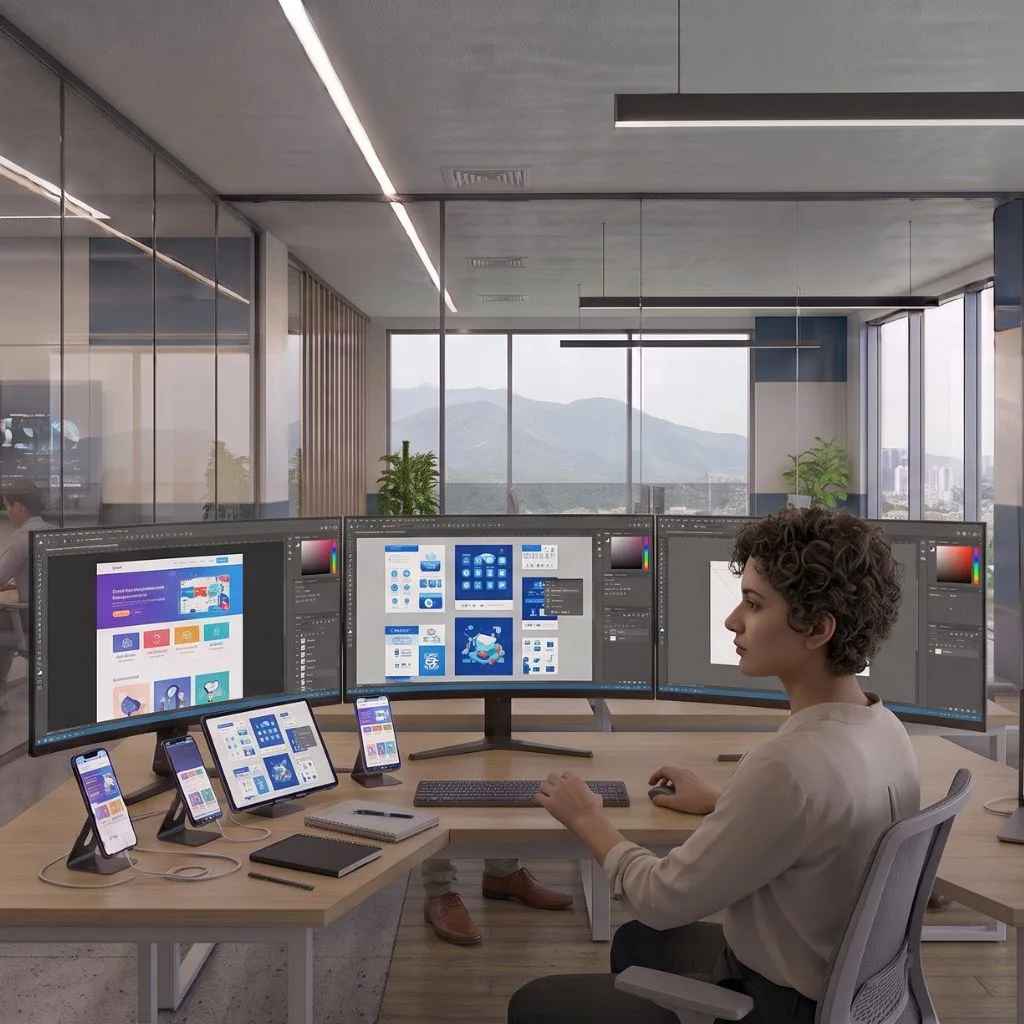
Course overview
Capstone: A complete brand identity and campaign system with research, moodboard, logo/identity, applications, brand guide, mockups and portfolio case study.
Completion standard: Minimum 80% attendance and submission of at least 80% of daily practical evidence. Pass the final capstone using the instructor QA rubric; incomplete templates alone do not count as a capstone. Demonstrate the final work live and answer practical troubleshooting questions. Submit an organized portfolio/case study that explains the problem, process, final output and lessons learned.
What you will learn
- Apply hierarchy, typography, color, layout and composition instead of relying on templates alone.
- Produce professional social, ad, print, presentation and e-commerce visual assets.
- Build a coherent logo/brand identity and practical guideline system.
- Create UI concepts in Figma and prepare organized handoff assets.
- Use generative AI for ideation/editing while applying rights, ethics and quality-control checks.
Who should join
- Aspiring designers
- Content creators
- Marketers
- Freelancers
Tools and technologies
- Canva
- Adobe Photoshop
- A vector-design tool such as Illustrator
- Figma
- Approved AI image tools
Complete curriculum
1. Week 1 — Design Fundamentals
Five practical lessons, ending with the Week 1 integrated challenge: Composition and structured critique.
1. Visual-communication critique
2. Layout, alignment and spacing
3. Typography hierarchy
4. Color and contrast
5. Composition and structured critique
2. Week 2 — Canva Professional Workflow
Five practical lessons, ending with the Week 2 integrated challenge: Production sprint.
1. Workspace and brand-kit workflow
2. Create a social-media design system
3. Marketing collateral
4. Professional presentations
5. Production sprint
3. Week 3 — Photoshop
Five practical lessons, ending with the Week 3 integrated challenge: Social and advertising creative.
1. Layers and non-destructive editing
2. Selections and masks
3. Correction and retouching
4. Text, shapes and poster composition
5. Social and advertising creative
4. Week 4 — Vector and Logo Design
Five practical lessons, ending with the Week 4 integrated challenge: Professional logo presentation.
1. Vector shapes and pen-tool concepts
2. Logo typography
3. Logo construction and variations
4. Vector patterns and supporting assets
5. Professional logo presentation
5. Week 5 — Brand Identity
Five practical lessons, ending with the Week 5 integrated challenge: Brand mini-capstone.
1. Brand strategy and moodboard
2. Identity system
3. Brand guidelines
4. Stationery and reusable templates
5. Brand mini-capstone
6. Week 6 — Social Media and Advertising Creatives
Five practical lessons, ending with the Week 6 integrated challenge: Cross-platform campaign sprint.
1. Design content by marketing objective
2. Carousel design
3. Performance-ad creatives
4. YouTube thumbnail systems
5. Cross-platform campaign sprint
7. Week 7 — Figma and UI Design
Five practical lessons, ending with the Week 7 integrated challenge: Prototype and developer handoff.
1. Frames and auto layout
2. Components and variants
3. Landing-page UI
4. Mobile adaptation
5. Prototype and developer handoff
8. Week 8 — Print, Packaging and Presentations
Five practical lessons, ending with the Week 8 integrated challenge: Export and professional delivery.
1. Print size, bleed, resolution and color concepts
2. Brochures and menus
3. Packaging and label concept
4. 10-slide presentation design
5. Export and professional delivery
9. Week 9 — AI Visual Design
Five practical lessons, ending with the Week 9 integrated challenge: Ethics, rights and quality-control review.
1. Image prompting
2. Generative editing and expansion
3. Concept exploration with AI
4. Combine AI with Photoshop and Canva workflows
5. Ethics, rights and quality-control review
10. Week 10 — Industry Design Projects
Five practical lessons, ending with the Week 10 integrated challenge: Choose a specialization and polish the work.
1. Restaurant or retail campaign
2. Real-estate or service-business campaign
3. E-commerce product campaign
4. Event campaign
5. Choose a specialization and polish the work
11. Week 11 — Clients and Portfolio
Five practical lessons, ending with the Week 11 integrated challenge: Service packaging.
1. Interpret a design brief
2. Present concepts and collect feedback
3. Revision and version-control workflow
4. Portfolio curation and case study
5. Service packaging
12. Week 12 — Final Brand Capstone
Five practical lessons, ending with the Week 12 integrated challenge: Final critique and portfolio showcase.
1. Brief, research and moodboard
2. Build core identity
3. Build brand applications
4. Create guide, mockups and case study
5. Final critique and portfolio showcase
Upcoming batches
No batch is published for this course yet
Contact Admissions to discuss the next available batch or your preferred schedule.
Practical learning and projects
- Composition and structured critique
- Production sprint
- Social and advertising creative
- Professional logo presentation
- Brand mini-capstone
- Cross-platform campaign sprint
- Prototype and developer handoff
- Export and professional delivery
- Ethics, rights and quality-control review
- Choose a specialization and polish the work
- Service packaging
- Final critique and portfolio showcase
Prerequisites
- No specific admission requirement currently.
Who teaches this
Your instructor
Instructor information for this course will be announced. Admissions can tell you who is scheduled to teach an upcoming batch.
Take the next step